10 free generations on sign-up

Drop 3D avatars straight into Figma.

Avadrop generates consistent, transparent 3D characters for your mockups. No subscription, no cleanup.
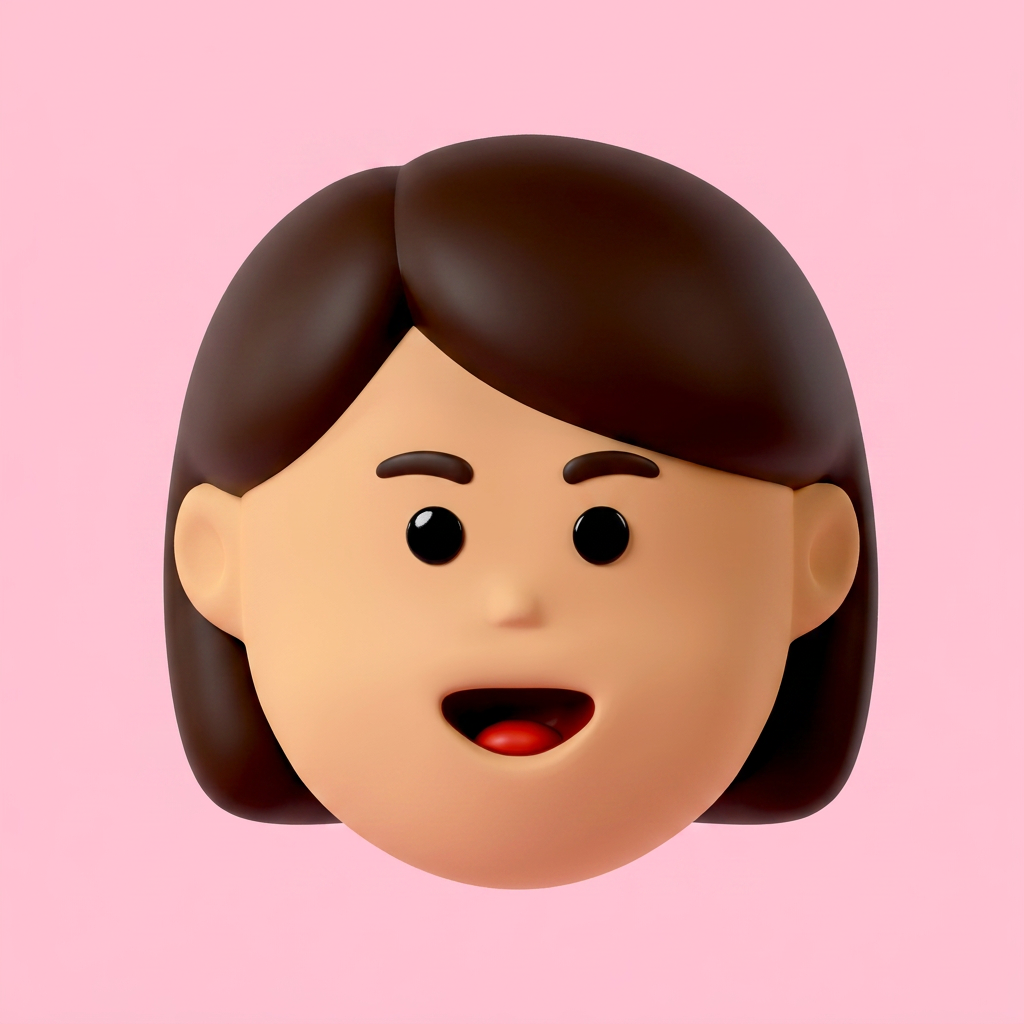
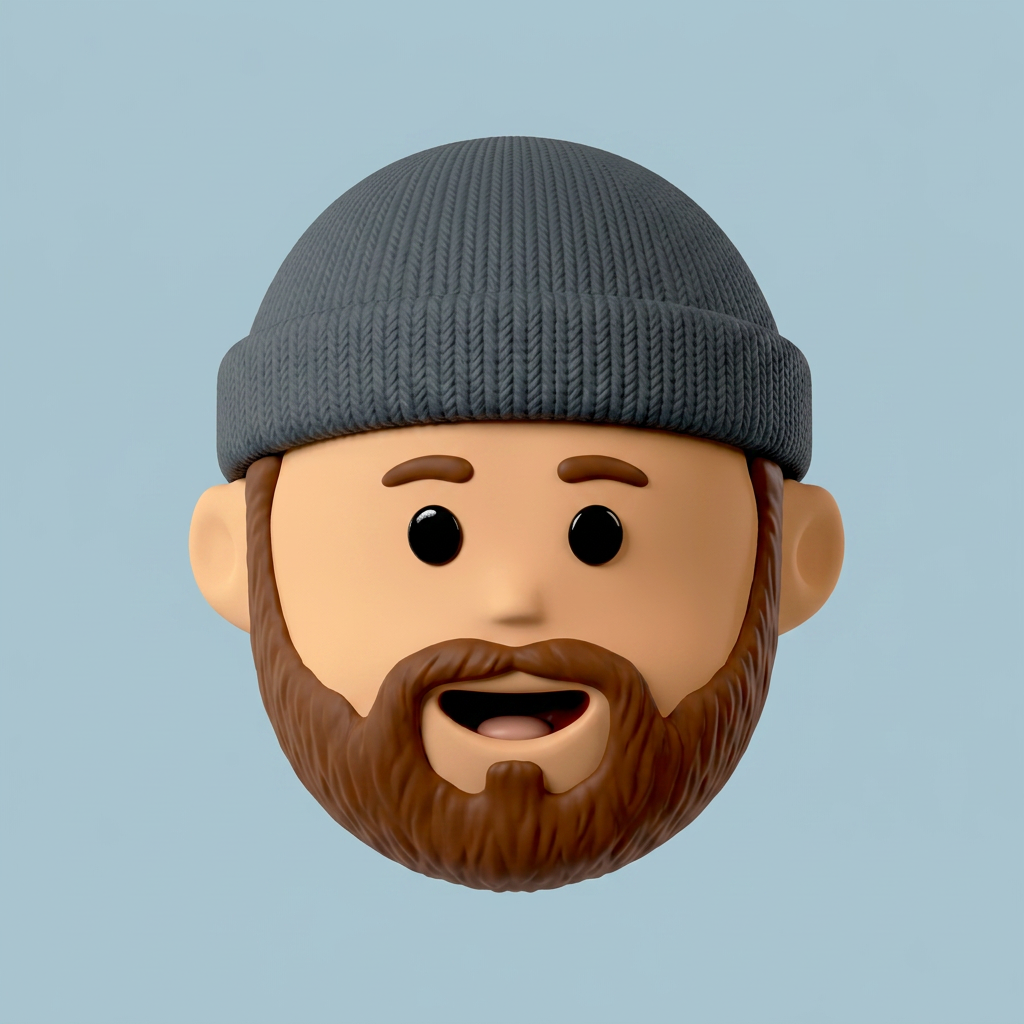
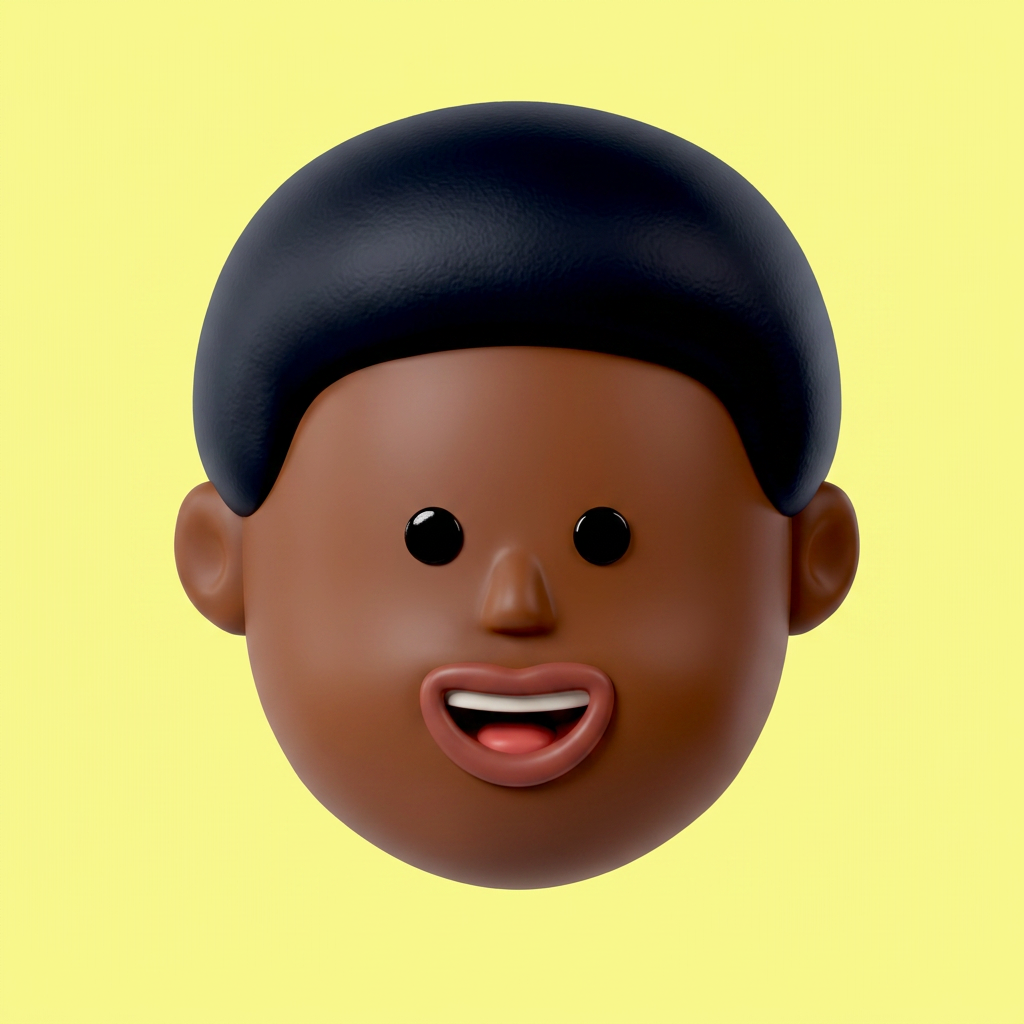
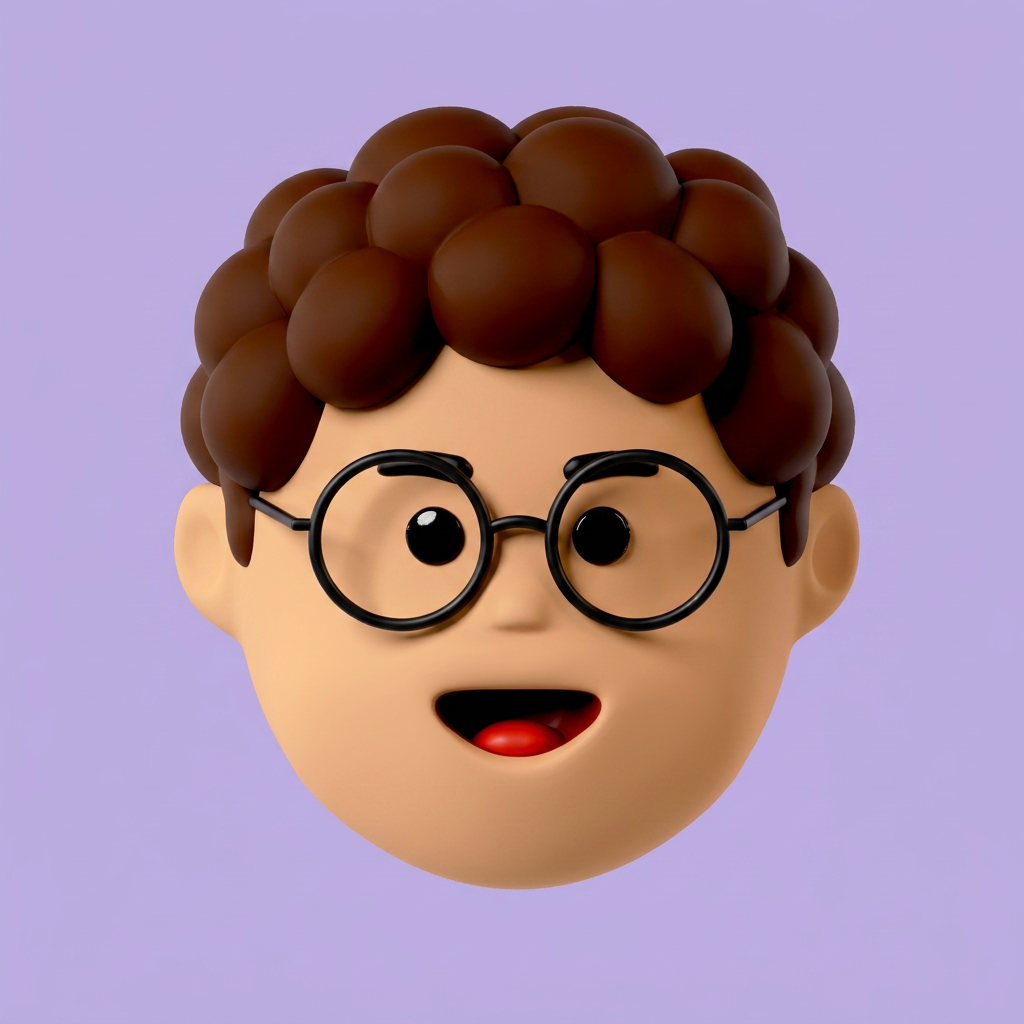
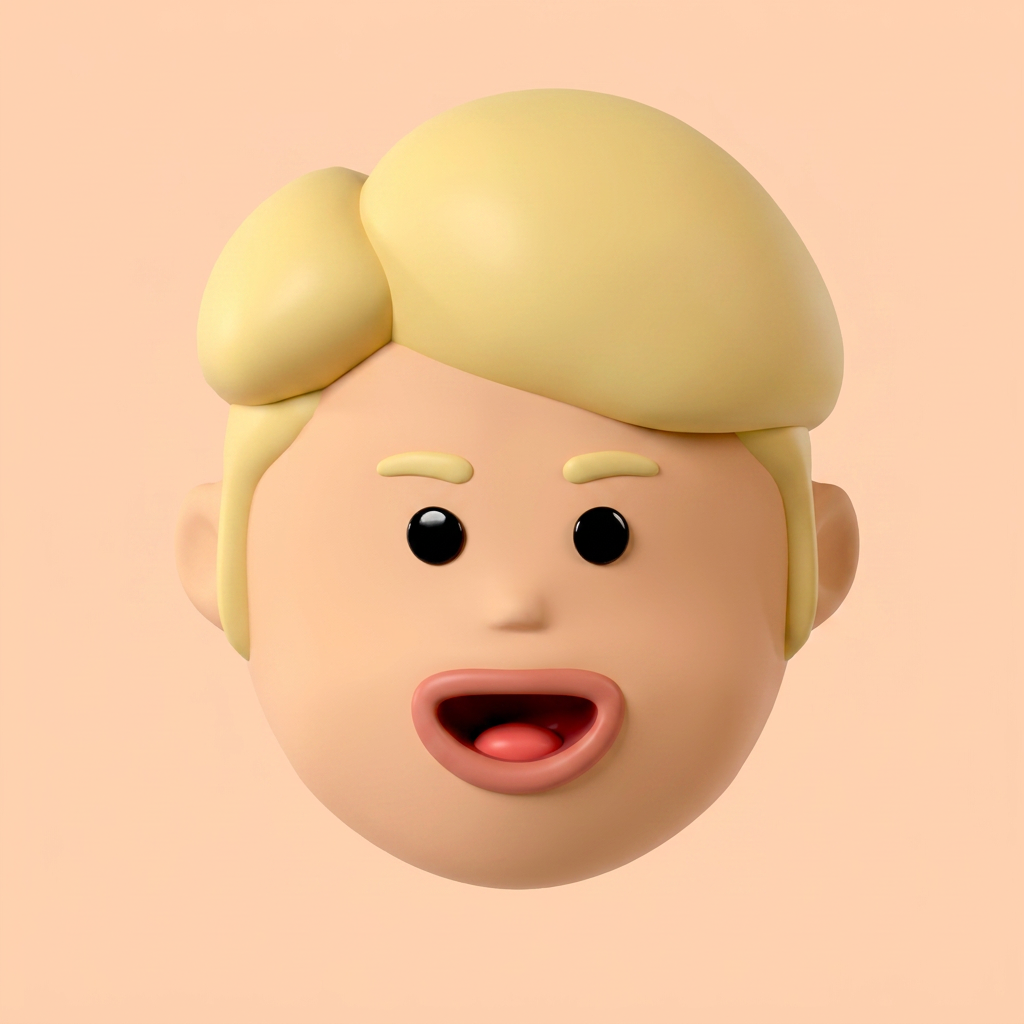
Generated 3D avatar
Generated 3D avatar
Generated 3D avatar
Generated 3D avatar
Generated 3D avatar
Generated 3D avatar
Generated 3D avatar
Generated 3D avatar
Generated 3D avatar
Generated 3D avatar
Generated 3D avatar
Generated 3D avatar
Generated 3D avatar
Generated 3D avatar
Generated 3D avatar
01 · Generate

Type what you need.
Get it in seconds.

No prompt engineering. Type plain English and Avadrop renders a consistent avatar ready for your canvas.

  • Fixed art style across generations
  • Perfect 1:1 aspect ratio
  • Clean transparent PNG output
Avadrop engine

Generating

Generated avatar
Batch
Variation 1
Variation 2
Variation 3
Variation 4
02 · Batch

One prompt.
A whole set of variations.

Toggle batch mode and Avadrop renders multiple variations at once. Different hair, vibe and styling, so you pick the best fit instead of re-rolling.

  • Four variations per batch
  • Compare them side by side
  • Auto-saved as a set
03 · Background

Preview on
any background.

Your avatar ships as a clean transparent PNG. Flip through colors to see exactly how it reads on your canvas before you drop it in.
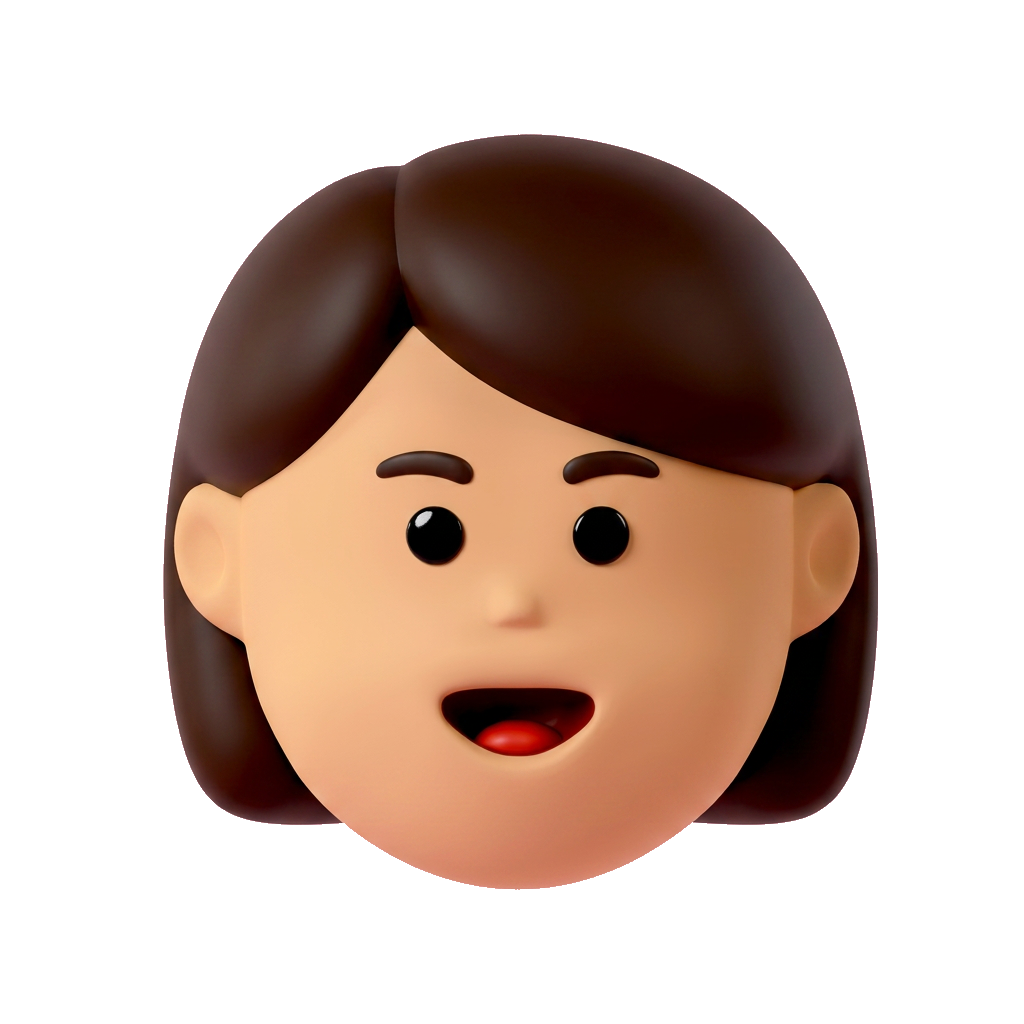
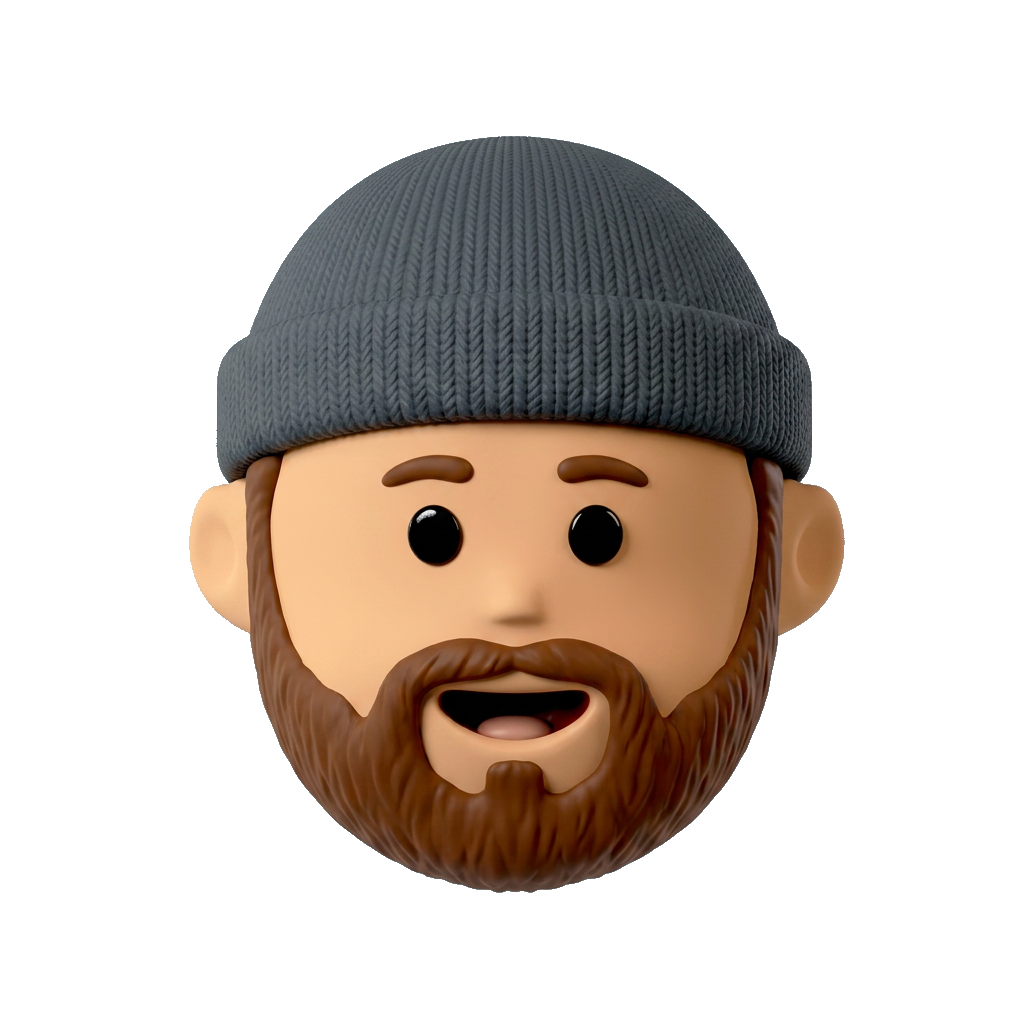
  • True transparent PNG
  • Live color preview
  • Export with the background baked in
Background
Avatar on background
Avadrop to Figma
Assets
Asset
Asset
Drag and drop into Figma
04 · Figma plugin

Straight into
your Figma canvas.

Generate in Avadrop, then drop the result into Figma. No downloads or re-imports. Drag it in or copy-paste the PNG where you're designing.

  • Drag and drop into your canvas
  • One-click copy to clipboard
  • Native Figma plugin in the works

Stop hunting for generic 3D icons.

Generate exactly what you need, when you need it.

Start generating for free